
Take Be Well Nursing LLC
everywhere you go
Add the app to your home screen for full-screen access, instant notifications, and one-tap sign-in — just like a native app store app.
How to install
Works on iPhone, iPad, and Android phones and tablets.
Open the website
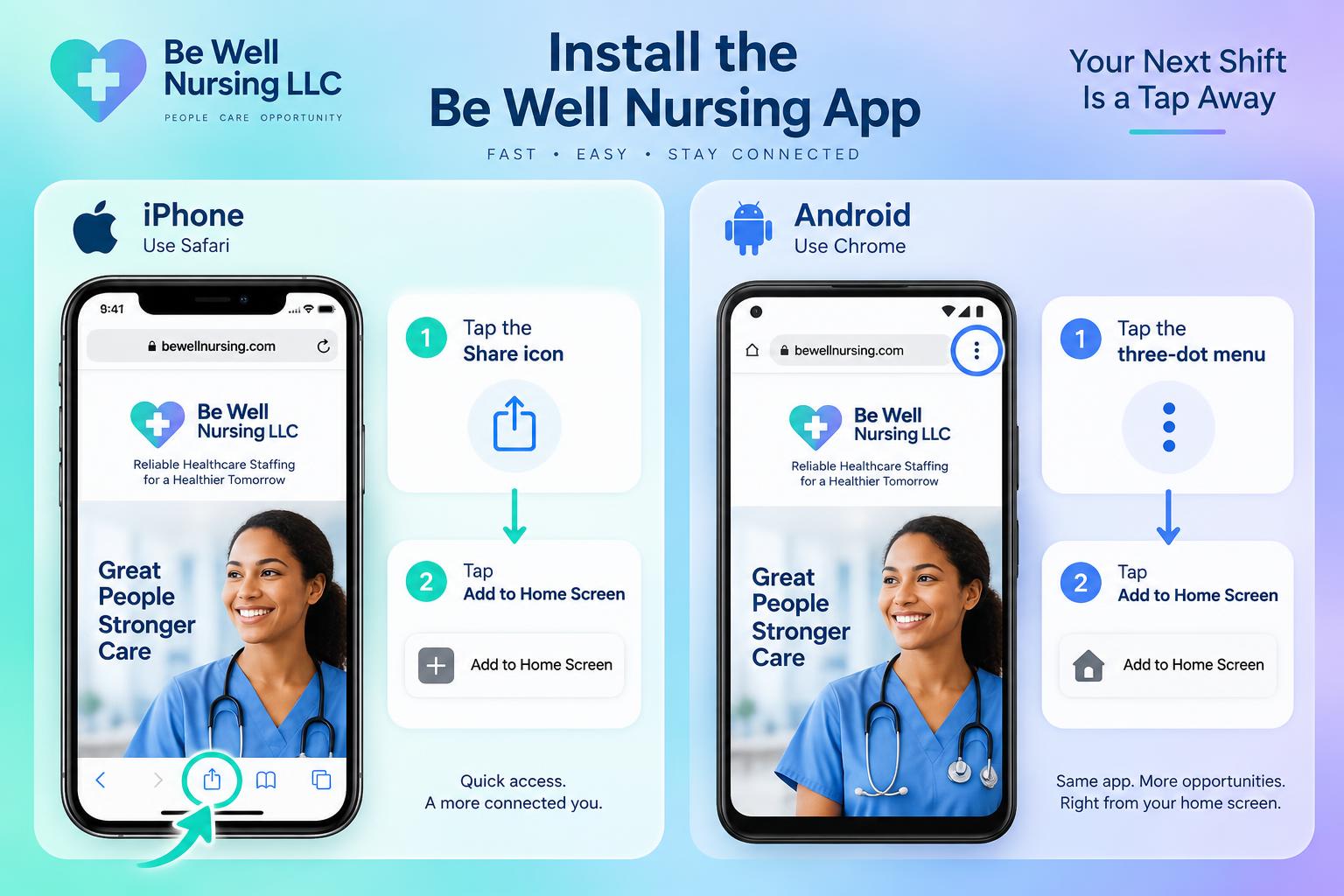
Go to bewellnursingllcstaffing.com in Safari (iPhone/iPad) or Chrome (Android). Sign in with your admin-created account.
Tap the Share or menu button
On iPhone, tap the Share icon at the bottom of Safari. On Android, tap the three dots in the top-right of Chrome.
Select "Add to Home Screen"
Look for the option labeled Add to Home Screen and tap it. You can edit the app name if you like.
Launch from your home screen
The Be Well Nursing LLC icon now appears alongside your other apps. Tap it to open the app in full screen, with no browser address bar.
Stay signed in
Your login is remembered, so staff and facilities can pick up shifts, approve timesheets, and send messages with one tap.
App store version coming later
Right now Be Well Nursing LLC runs as a Progressive Web App (PWA) that installs directly from the website. If you later want a dedicated listing in the Apple App Store or Google Play Store, we can wrap this same app in a native shell and publish it there.
Ready to try it?
Open the portal on your phone and add it to your home screen today.